
What Is Burn TRX or Rent Energy
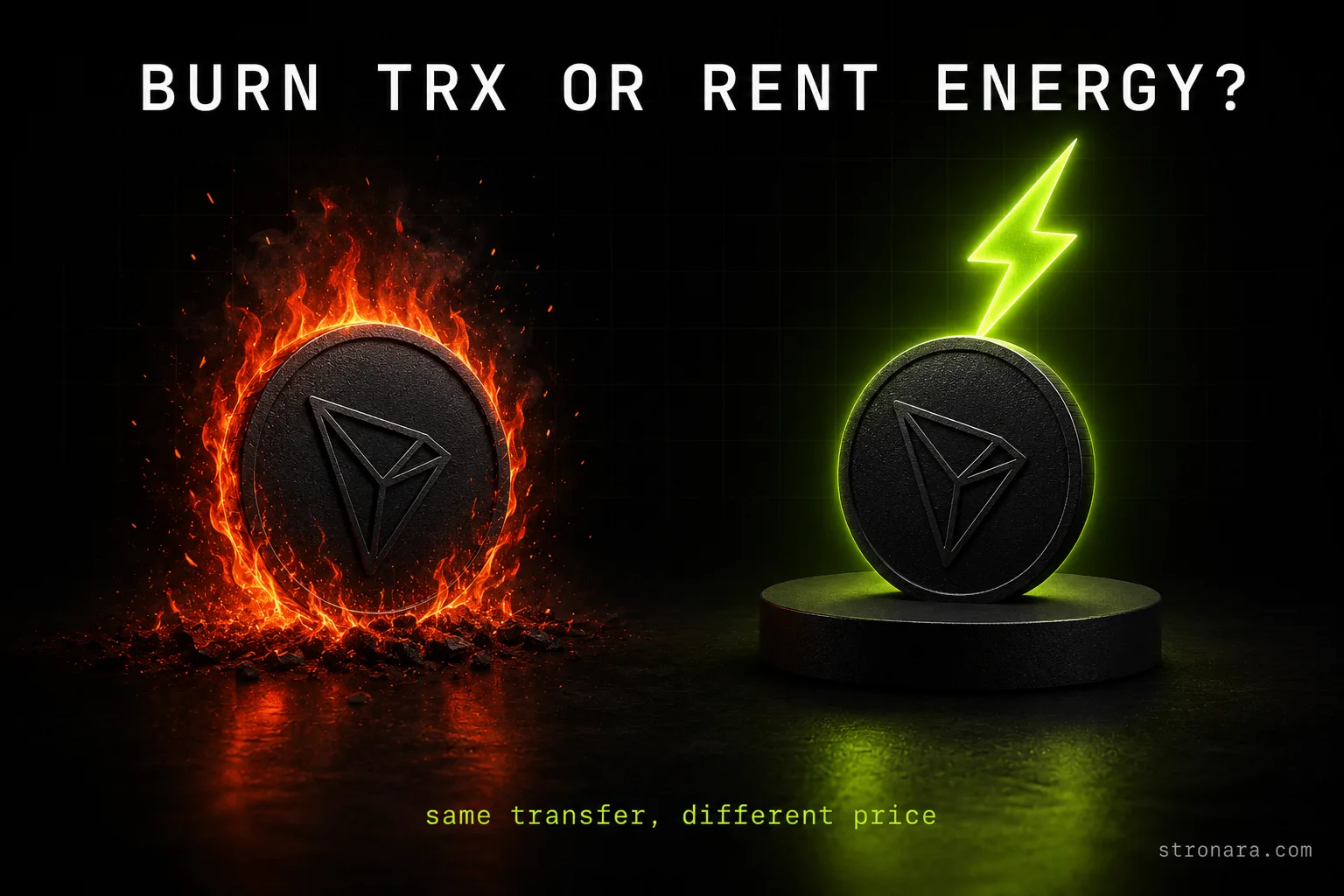
When you send a USDT transfer on TRON, the network charges a fee in the form of energy. To answer the question directly: burn TRX or rent energy — the same transfer costs several times less when you rent energy instead of letting the network burn TRX. This comparison uses live measurements taken on 2026-08-14, so every number below is dated and verifiable.
TRON is a delegated proof-of-stake network where every transaction consumes computational resources. USDT transfers are not free: the network requires energy to process the smart contract call that moves tokens between wallets. Without energy in your account, the network takes TRX from your wallet and destroys it permanently to cover the shortfall. That destruction is what "burning" means.
Why USDT Transfers Need Energy
Every USDT transfer on TRON is a smart contract interaction, not a simple value transfer like a plain TRX payment. Smart contract calls consume energy, which is the network's unit of computational work. The amount depends on the complexity of the operation and the state of the receiving address.
A transfer to an address that already holds USDT requires 64,285 energy. A transfer to a fresh address that never held USDT requires 130,285 energy. The difference exists because activating a new token balance takes more computational steps. You can see the exact calculation for your own transfer in the TRON Energy Calculator.
What Burning TRX Means for Your Wallet
Burning is the default behavior. When your wallet lacks energy, the network destroys TRX at the rate of 100 SUN per energy unit. The TRX is gone forever — no one can recover it, and it leaves circulation permanently.
For a standard transfer to an existing USDT holder, the network burns 6.43 TRX. At the measured TRX price of $0.3343, that is roughly $2.15 per transfer. For a fresh address, the burn rises to 13.03 TRX, or about $4.36. These numbers are not estimates; they are the network parameter getEnergyFee applied to the energy consumption of real transactions.
What Renting Energy Means for Your Wallet
Renting energy flips the mechanism. Instead of letting the network destroy TRX, you borrow energy from a provider who delegates it to your address. The provider's TRX stays in circulation; you pay a rental fee for the delegation period, typically measured in hours.
The trade-off is a small extra step: you request the rental, wait for the delegation to activate, then send your transfer. The cost difference is substantial. Measured on 2026-08-14, renting 65,000 energy for one hour from Stronara cost 28.68 SUN per energy unit, which is 1.84 TRX for a transfer that would otherwise burn 6.43 TRX. That is a savings of about 71% on a single transfer. For a deeper look at the mechanism, read TRON Energy Delegation: How It Works On-Chain.
How TRX Burning Works as the Default Fee
TRX burning is the network's fallback when you have no energy and no bandwidth. The protocol reads the getEnergyFee parameter, which is set at 100 SUN per energy unit, and deducts TRX from your wallet at that rate. The process is automatic; you do not choose to burn — it happens because you did not prepare.
The network burns TRX only for the missing amount. If you have some energy but not enough, it burns TRX for the shortfall. If you have none, it burns the full amount. The TRX is destroyed at the protocol level, which is why the phrase "the network burns 6.43 TRX" is accurate, while "burns 64,285 energy" is not — energy is consumed, TRX is burned.
Bandwidth works similarly but at a different rate: 1000 SUN per byte of missing bandwidth. For a USDT transfer, the energy component dominates the cost. The bandwidth fee is small by comparison, which is why energy is the focus of this comparison. You can read the distinction in detail in TRON Energy vs Bandwidth: What Each Resource Pays For.
The burn rate is a network parameter, meaning it changes only by governance vote, not by market conditions. The TRX price, however, moves constantly. That is why the dollar cost of burning fluctuates even when the energy requirement stays fixed. The 100 SUN per energy unit rate is verifiable on-chain through the committee parameter.
The Measured Cost of a USDT Transfer Two Ways
The table below compares the two methods using live measurements from 2026-08-14. The burn costs are calculated from the network's getEnergyFee parameter and the TRX price on that date. The rental cost is Stronara's live price for 65,000 energy for one hour, measured the same day.
| Method | Cost per USDT transfer | Measurement date | Source / verification |
|---|---|---|---|
| Burning TRX (existing address) | 6.43 TRX (~$2.15) | 2026-08-14 | Tronscan transaction + getEnergyFee |
| Burning TRX (fresh address) | 13.03 TRX (~$4.36) | 2026-08-14 | Tronscan transaction + getEnergyFee |
| Renting energy (65k, 1 hour) | 1.84 TRX (28.68 SUN/unit) | 2026-08-14 | Stronara live price |
Rental prices move during the day and differ between providers. These figures are a snapshot, not a promise. Today's Stronara price is always on the live energy rental comparison.
The Arithmetic of Burning TRX
The burn cost is the product of energy consumption and the getEnergyFee rate. For an existing address: 64,285 energy × 100 SUN = 6,428,500 SUN. Since 1 TRX equals 1,000,000 SUN, that is 6.43 TRX. At the measured price of $0.3343 per TRX, the dollar cost is approximately $2.15.
For a fresh address: 130,285 energy × 100 SUN = 13,028,500 SUN, which is 13.03 TRX, or about $4.36. The difference of roughly double comes from the activation cost of a new token balance. If you send USDT often, these numbers compound quickly.
The Arithmetic of Renting Energy
Renting replaces the burn with a rental fee. On 2026-08-14, Stronara charged 28.68 SUN per energy unit for a 65,000 energy rental lasting one hour. The total: 65,000 × 28.68 SUN = 1,864,200 SUN, which is 1.84 TRX.
The rental covers the same 65,000 energy that the network would otherwise burn as 6.43 TRX. You pay 1.84 TRX to rent, the provider's TRX stays in circulation, and your transfer goes through with the same on-chain result. The provider earns the rental fee; you avoid the burn.
What the Savings Look Like on a Single Transfer
On a single transfer to an existing address, renting saves 6.43 TRX minus 1.84 TRX, which is 4.59 TRX. In dollar terms at the measured price, that is roughly $1.53 saved. The percentage saving is about 71% compared to burning.
The savings scale with use. One transfer per month means a modest saving; ten transfers per month means the rental cost is amortized across all of them, and the total saving grows. For regular senders, the question is not whether to rent but how to structure the rental period. See How Long Does TRON Energy Last? Rental Periods Explained for the options.
When Burning Makes Sense and When Renting Wins
The choice depends on frequency, urgency, and your tolerance for an extra step. Here is the decision framework:
- One-off transfer, no time pressure: burning is acceptable. You pay 6.43 TRX or 13.03 TRX once and move on. The cost is high per transfer, but if you send USDT rarely, the convenience may outweigh the saving.
- Regular sending, even a few times per month: renting wins clearly. The 71% saving on each transfer compounds, and a one-hour rental can cover multiple transfers within the period.
- Urgent transfer, no energy on hand: burning is the fastest path. Renting requires a small delay for the delegation to activate. If the transfer cannot wait, burning is the pragmatic choice.
- High volume or business use: renting is the only sensible option. The difference between 1.84 TRX and 6.43 TRX per transfer becomes a major cost line at scale.
- You want to verify costs yourself: burning is easier to verify on-chain, but renting is also verifiable once you know how. The verification steps are in the next section.
The TRX burning vs energy rental decision is ultimately about whether the extra step of renting is worth the saving. For anyone sending USDT more than once a month, the math favors renting. If you want to save on USDT transfer fee, the rental route is the lever you control.
How to Verify Energy and Burn Costs on Tronscan
Both numbers — the energy requirement and the burned TRX — are verifiable on-chain. You do not need to trust any article, including this one. Tronscan shows every transaction's energy consumption and fee breakdown, and the committee page shows the getEnergyFee parameter.
The verification process takes about two minutes and requires only the transaction hash of a USDT transfer you have already sent. If you have never sent one, use a transaction from a block explorer or a friend's wallet. The data is public.
Checking the Energy Cost on Tronscan
Open the transaction on Tronscan and look for the "Energy" field in the fee breakdown. It shows the exact amount of energy the transfer consumed. For a standard USDT transfer to an existing address, you should see 64,285. For a fresh address, 130,285.
Cross-check the getEnergyFee parameter on the TRON committee page. It should read 100 SUN per energy unit. Multiply the two numbers and divide by 1,000,000 to get the TRX burn. The result should match the fee shown on the transaction.
Checking the Burned TRX on Tronscan
The same transaction page shows the "Burn" or "Fee" field in TRX. For a transfer that consumed 64,285 energy with no energy in the wallet, the burn reads 6.43 TRX. The math: 64,285 × 100 / 1,000,000 = 6.4285, rounded to 6.43.
For a fresh address, the burn reads 13.03 TRX. The transaction page also shows whether the wallet had any energy or bandwidth before the transfer, which explains why the burn is full or partial. A step-by-step walkthrough of reading a transaction is available in How to Read Tronscan Transaction: Verify Your USDT Fee.
How to Check Today's Rental Price Before You Send
Rental prices are not fixed. They change during the day as providers adjust rates. Before you send a USDT transfer, check the current price rather than relying on a number from a blog post. The steps below take under a minute.
- Open the Stronara energy calculator — it shows the live rental price per energy unit and the total cost for a 65,000 energy transfer.
- Enter the energy amount your transfer needs: 64,285 for an existing address or 130,285 for a fresh one. The calculator shows the rental cost in TRX and in dollars.
- Compare that number to the burn cost: 6.43 TRX for an existing address or 13.03 TRX for a fresh one. The rental should be a fraction of the burn.
- Check the rental period. A one-hour rental covers immediate transfers; longer periods cost more but cover multiple sends.
- Confirm the provider's delegation terms before paying. Legitimate services only need your address to delegate energy — they never ask for your private key. See Is TRON Energy Rental Safe? What a Legit Service Can Access for what to check.
The TRON energy rental savings are real, but only if the price you pay today is actually lower than the burn. The live comparison page exists precisely so you can check before each transfer. Rental prices on 2026-08-14 showed Stronara at 28.68 SUN per unit, but that number will shift. The live rental comparison tracks the current cheapest option.
Burn TRX or rent energy — the answer for most users is to rent, but verify the price first. The burn cost is a fixed protocol parameter: 100 SUN per energy unit, which means 6.43 TRX or 13.03 TRX depending on the receiving address. The rental cost is a market price that moves. When the rental is below the burn — which it was on every measurement we took on 2026-08-14 — renting delivers a cheaper USDT transfer with the same on-chain result. Check the live price, do the two-minute verification on Tronscan, and decide with numbers in front of you.